A work in progress, the Writing Buddy app stays in its lane as a writing assistant, not a writer.
In this personal project, I’m interested in furthering the conversations around supporting humans’ natural cognitive strengths through application design and the intentional use of genAI. The project leverages my experience designing interfaces that integrate genAI while I build skills with some of the newer tools.
I’ve written more about my thinking on the subject of cognition and innovation here and here.
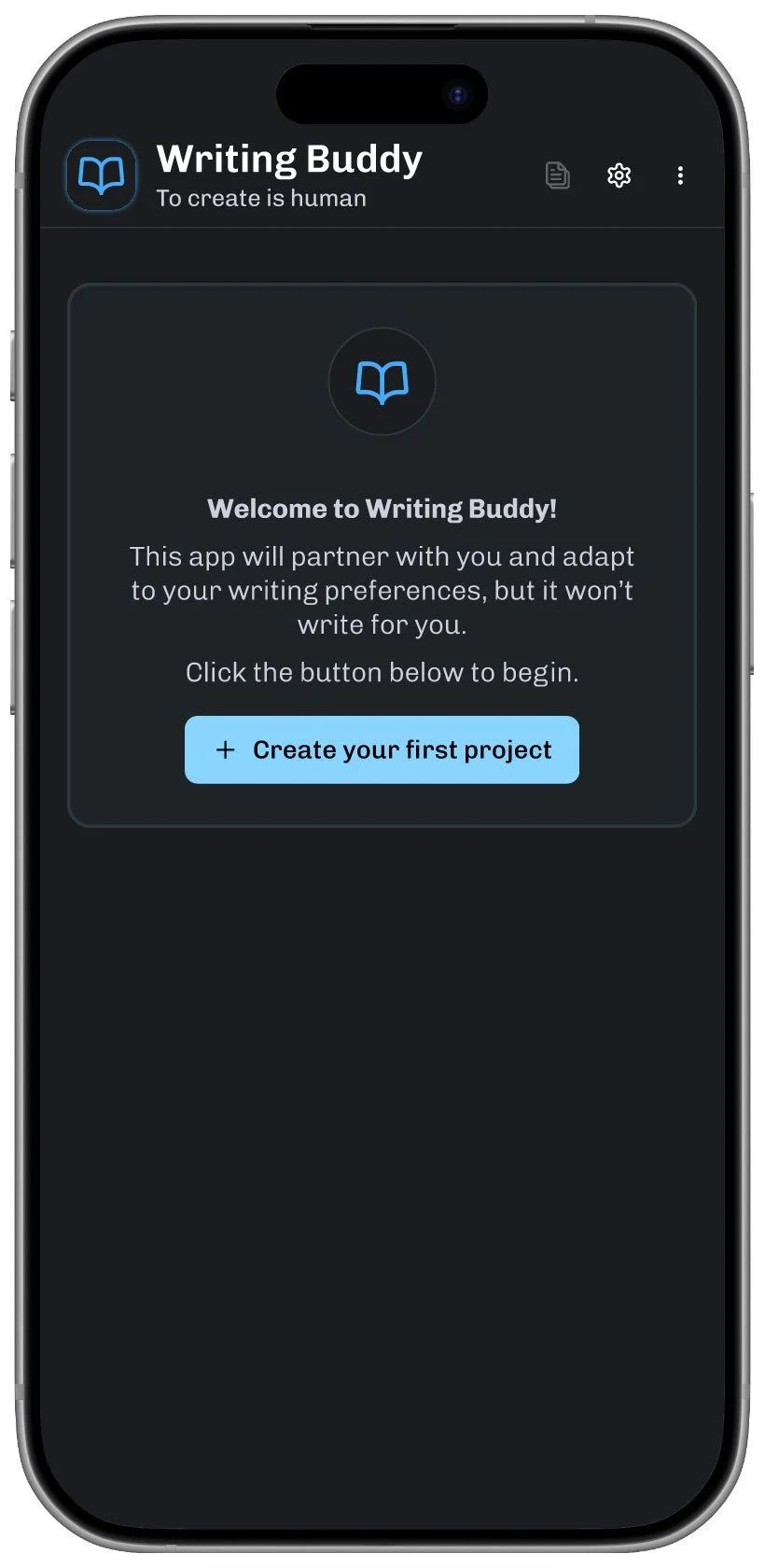
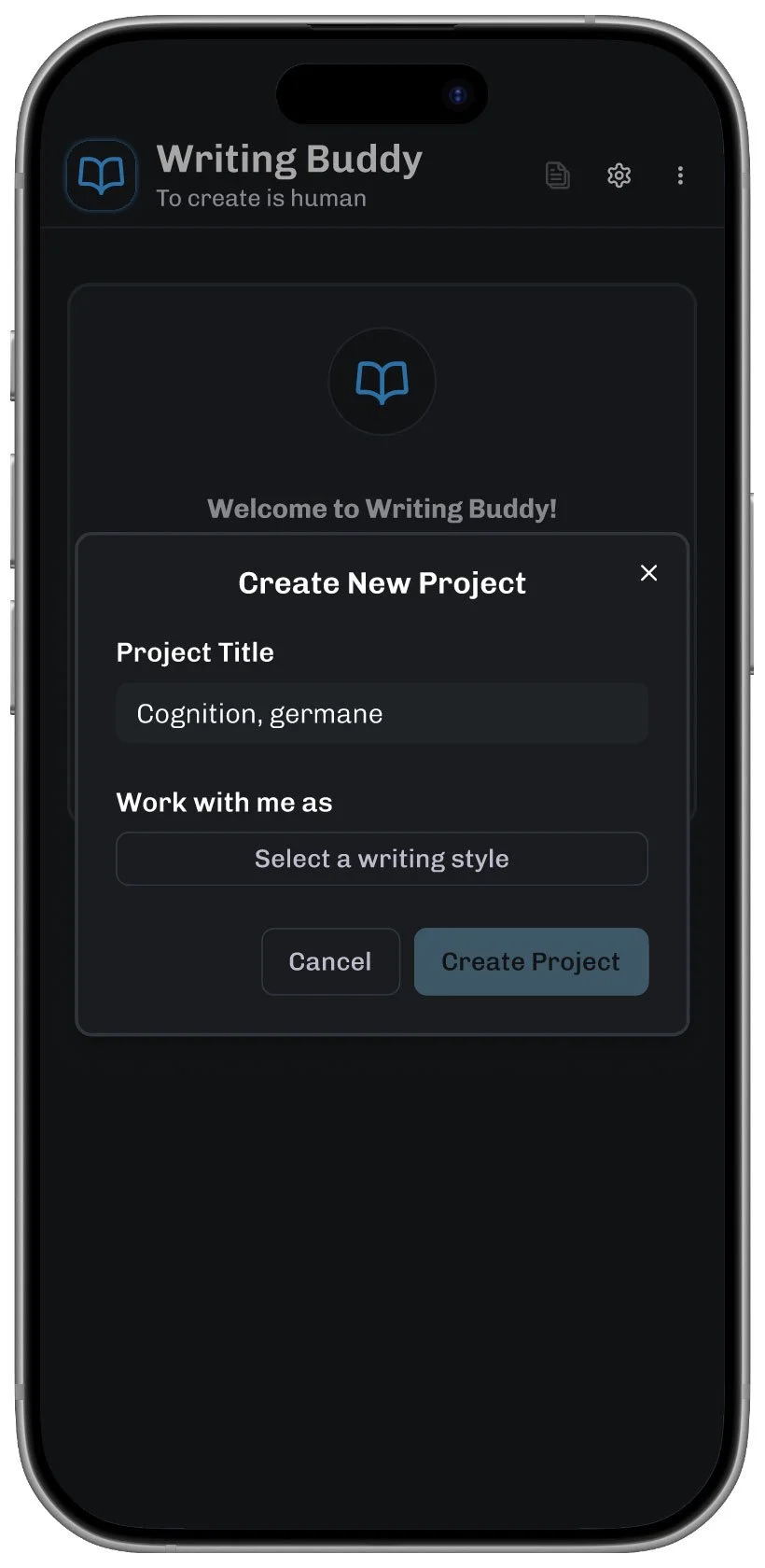
I started out with a design brief in Figma Make. After a few iterations, I finessed the screens in Figma Design and began prototyping. This helped slow the process down while I run the constrained version by different writers to stress-test my assumptions.
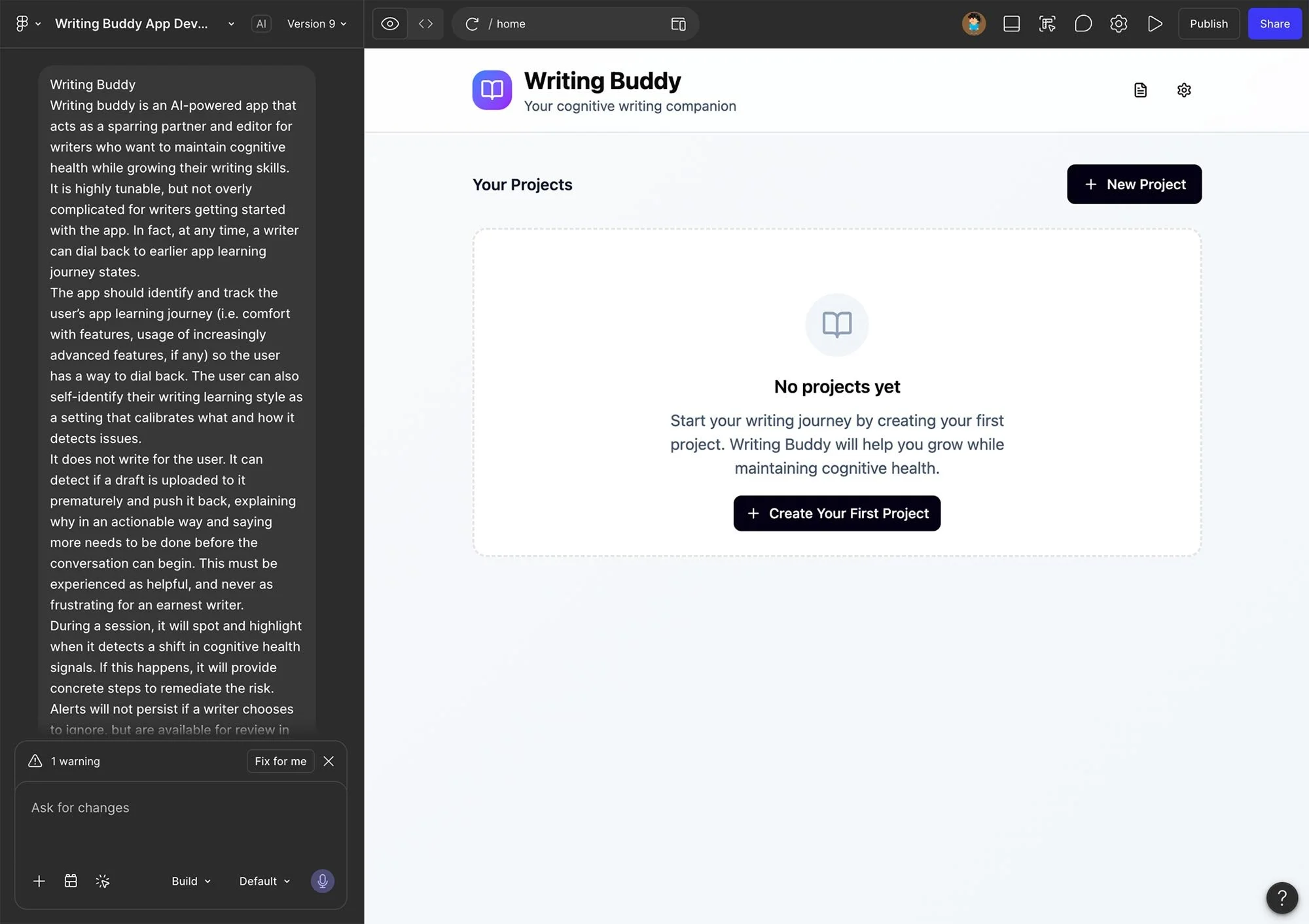
I avoided spending too much time on aesthetics, since the main focus was interactions and flow. Besides a light sweep for typography and color, one of the items I spent a little extra time on was the logo, which I reshaped from the simple open book Figma Make provided to something just a little bit more wing-like.
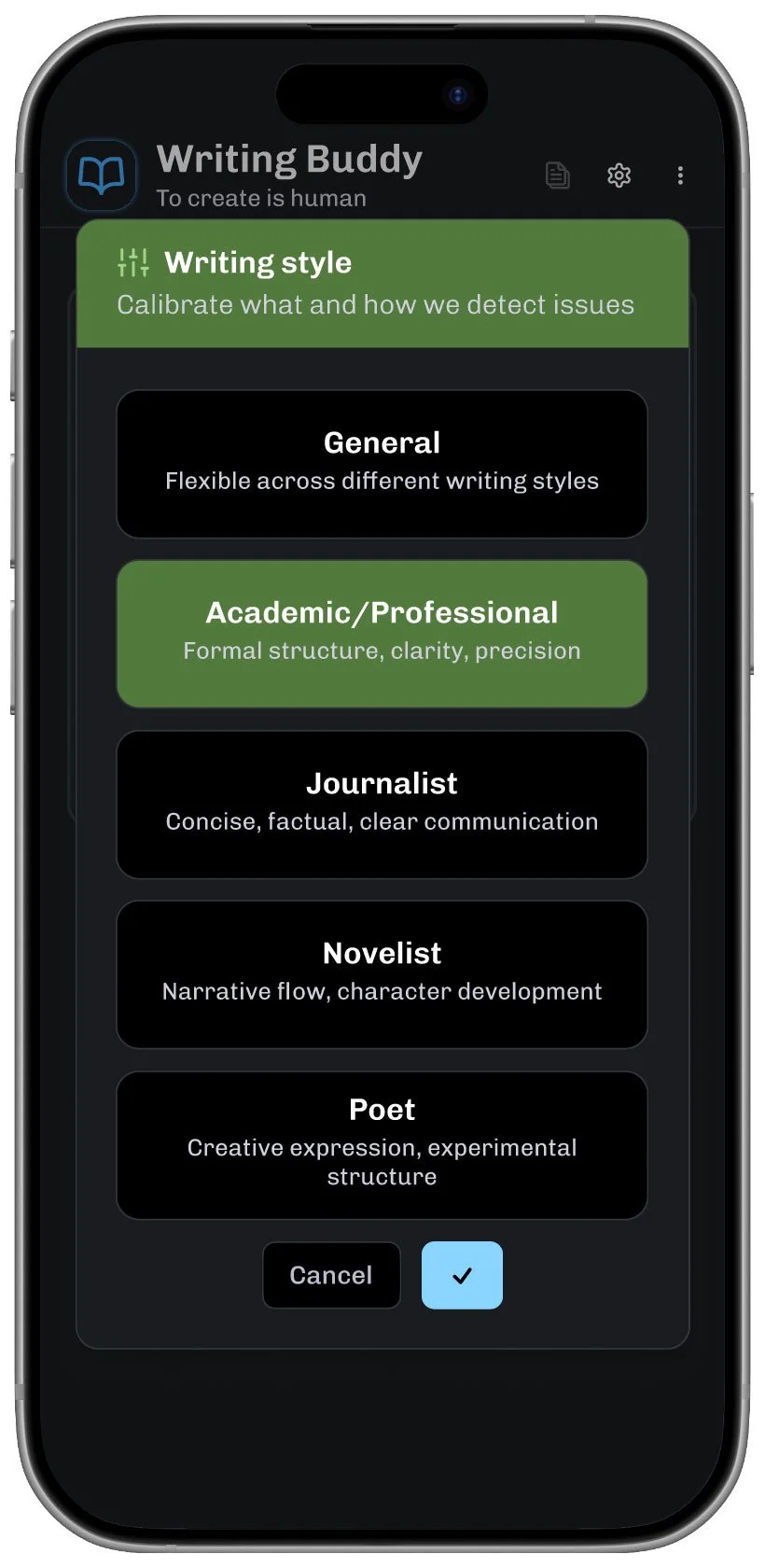
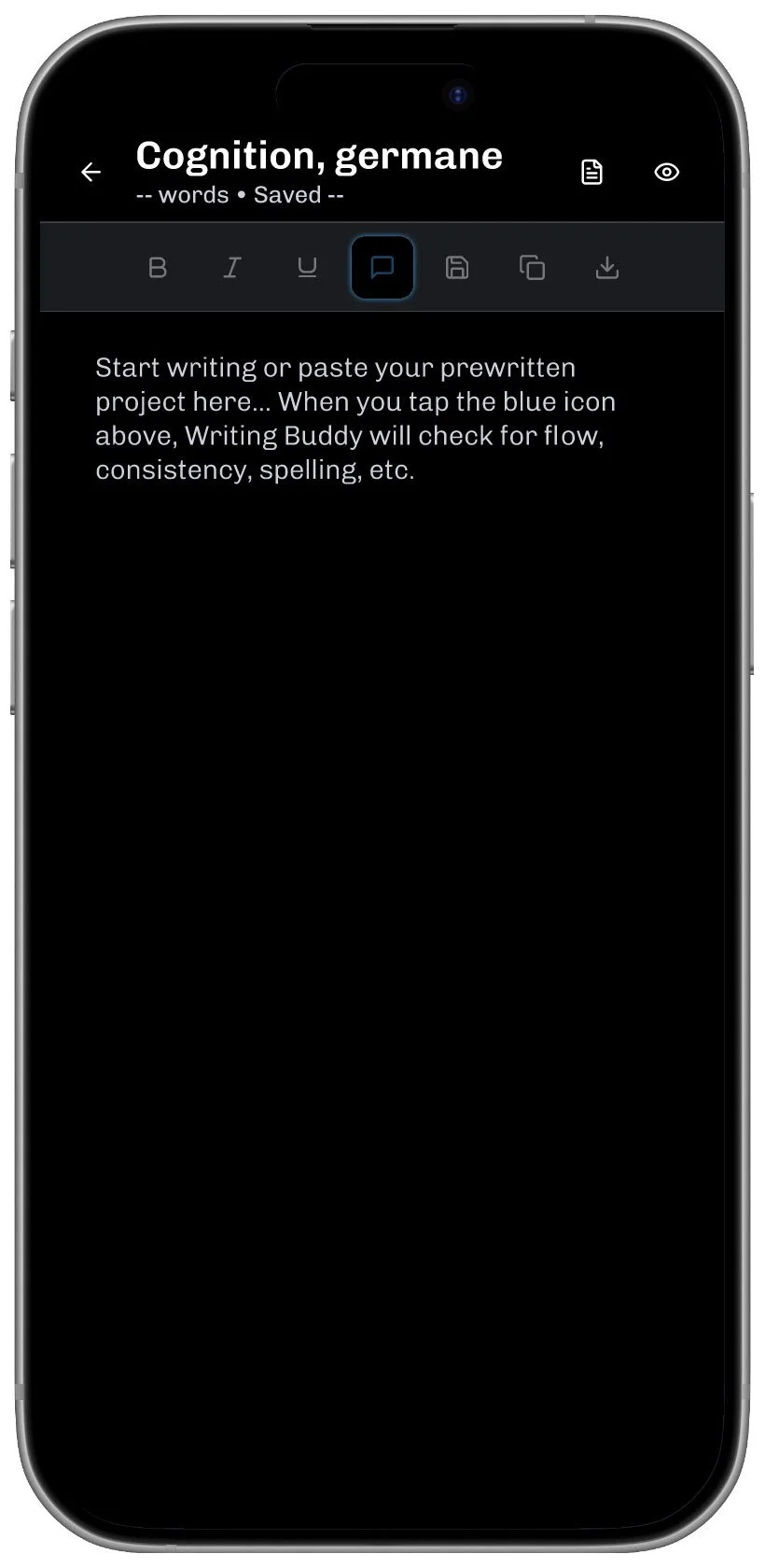
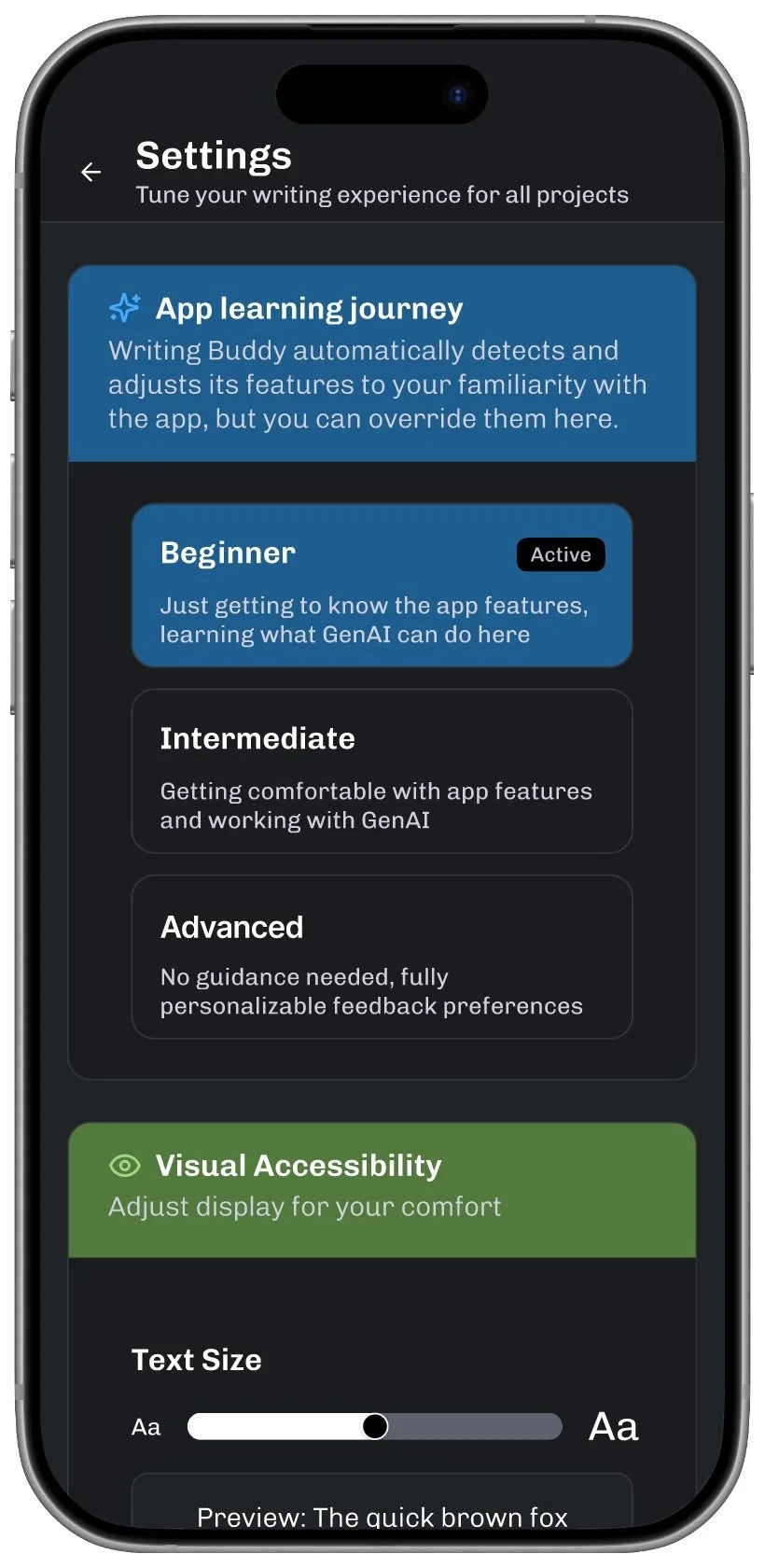
The writing style picker is one of the flow steps I’m continuing to think about. Testers have suggested additional or alternative writing styles, but I’m starting to think that a lot of these complex decision points can also benefit from a ‘user journey’ approach: a writer just starting with the app would get an updated but still simple list; as their usage began to signal comfort with the app, a new option would allow them to build a fully custom writing style.
In fact, there are a number of points in the app that can begin with fixed options and then progress to open preferences that take more advantage of an LLM’s true potential.
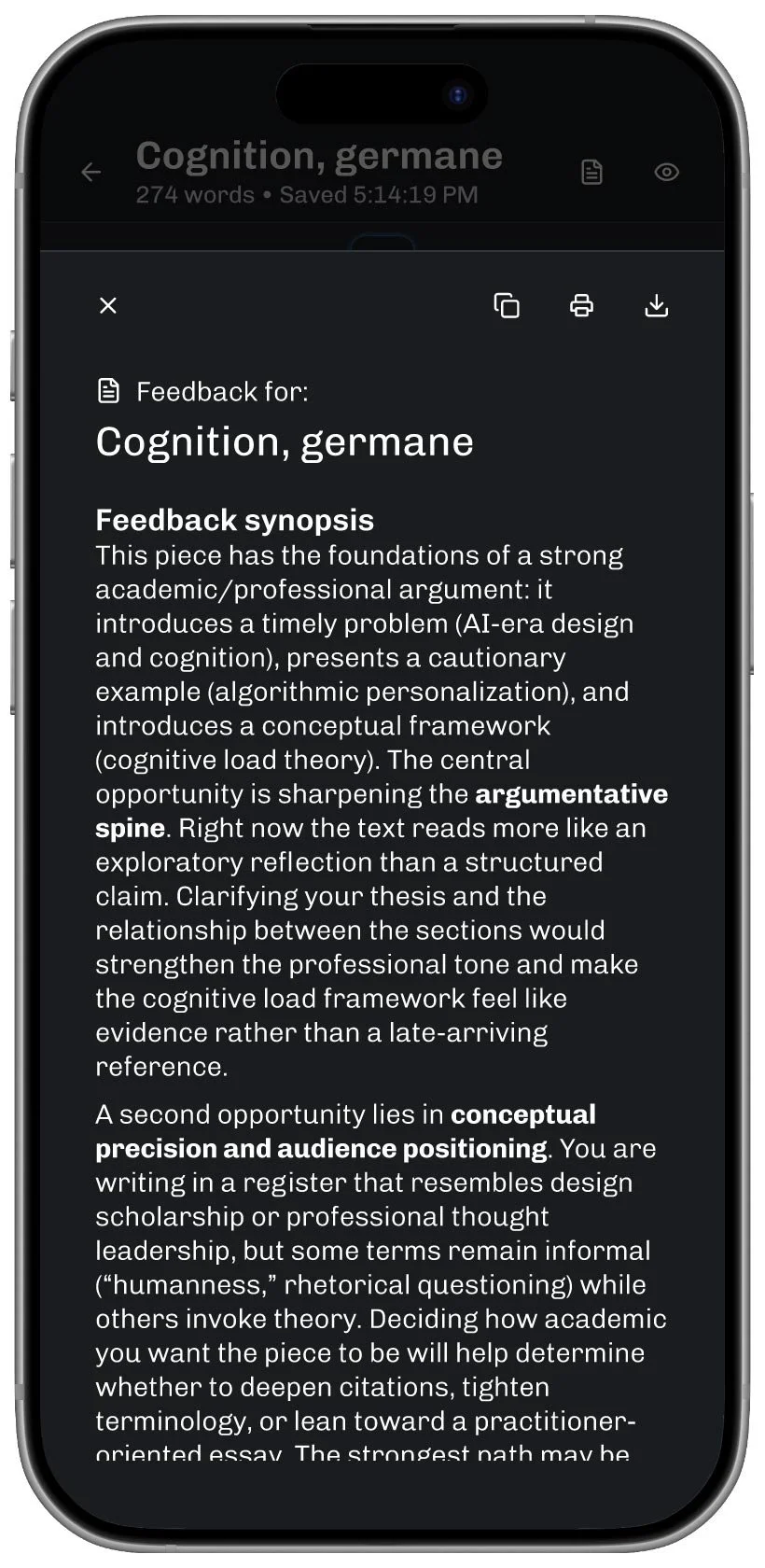
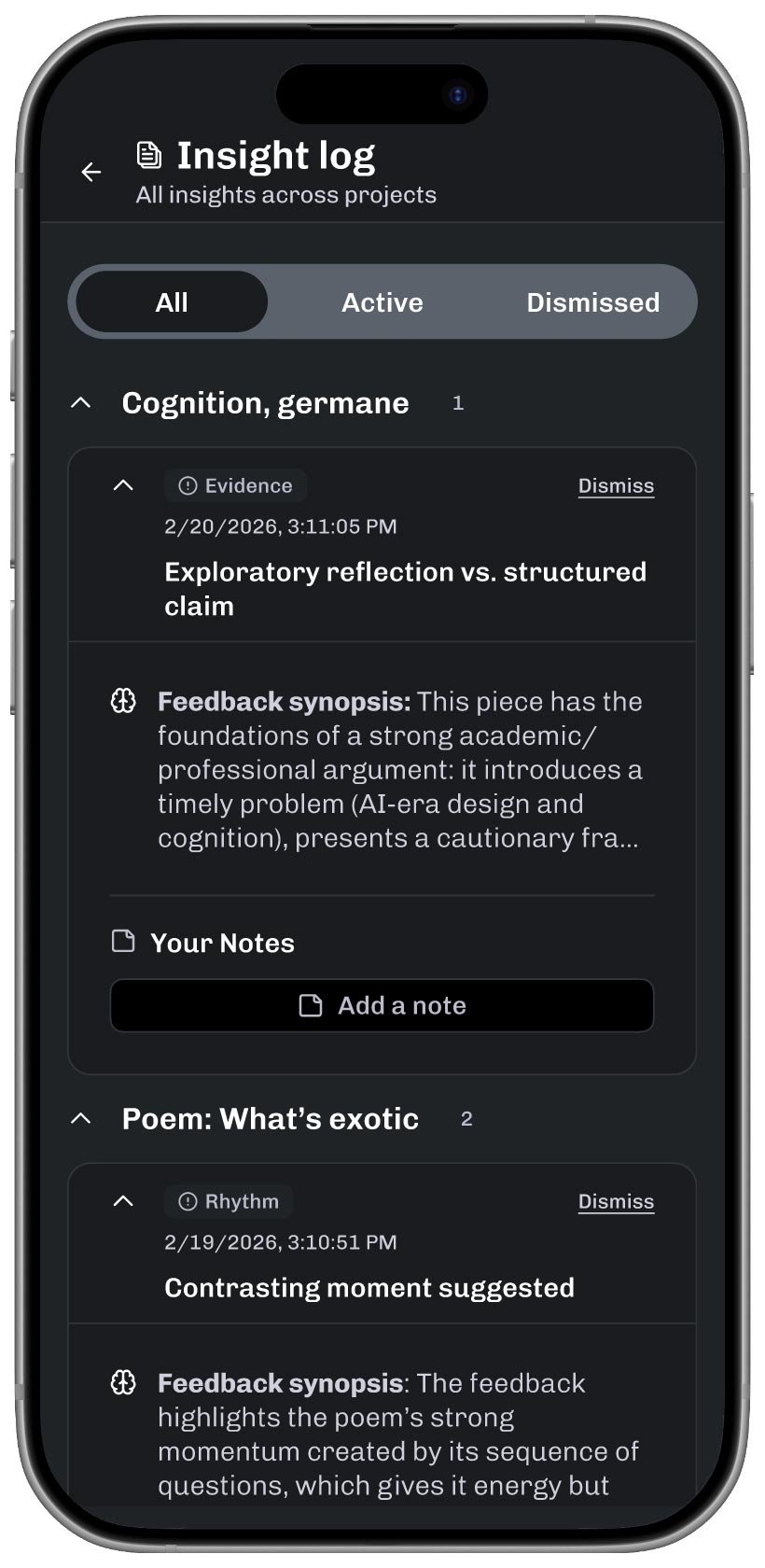
In this version, feedback begins with a synopsis, followed by a full breakdown*.
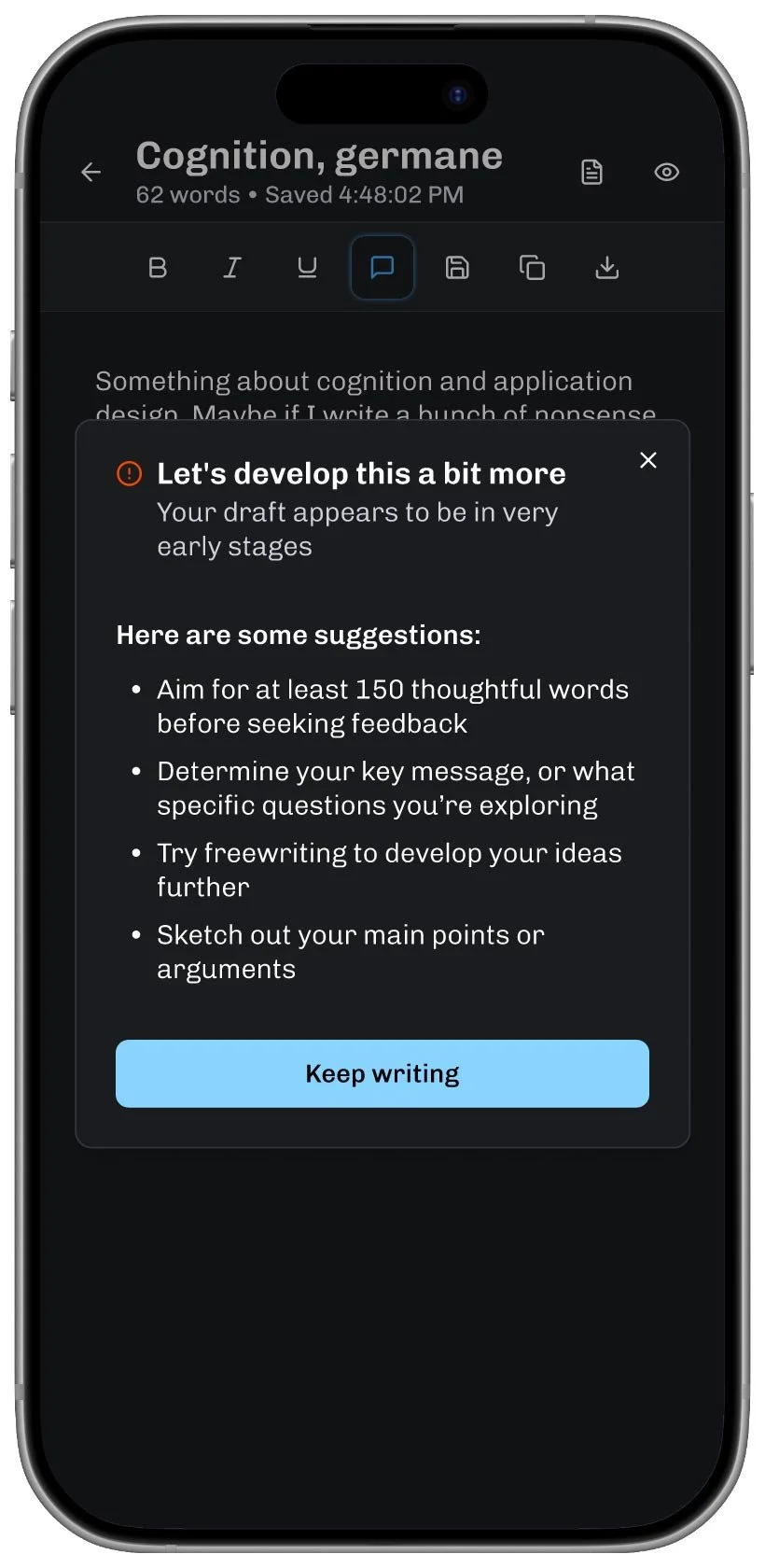
If the writer tries to excessively hand off thinking, the app politely pushes back.
*The next version explores an interface that allows the user to specify the type of feedback they’re looking for and invites further conversation.
Premature requests for feedback are an obvious place to intercept cognitive handoff. A subtler signal might be a shrinking discovery phase, based on a writer’s earlier patterns, and how quickly a project moves through the writer’s favored workflow, perhaps skipping key steps. The application could also encourage more variety in thinking by suggesting adjustments, or even contrasting alternatives to their normal workflow.
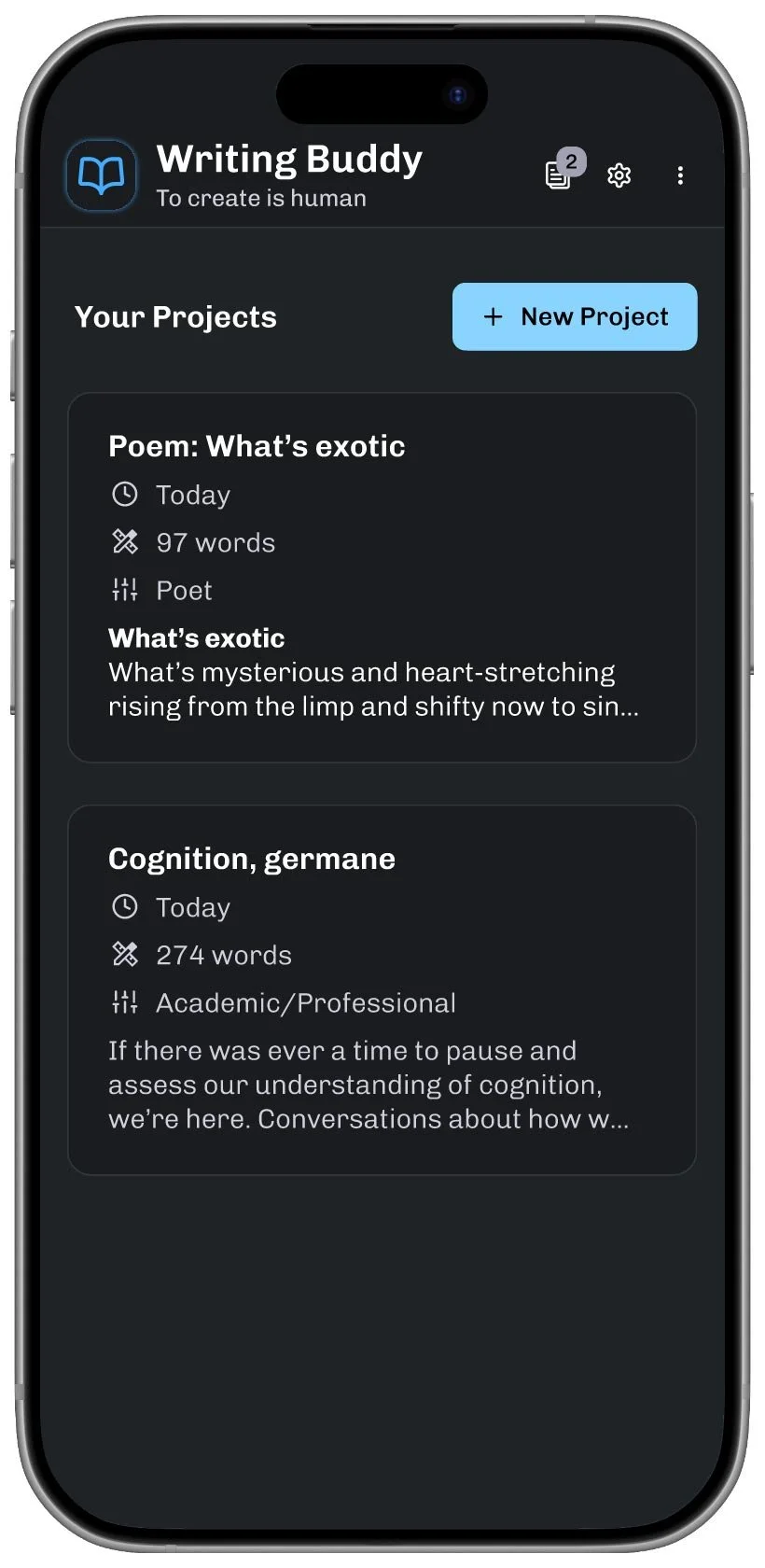
Tackling this project has been a convergence of my interests in human cognition, curiosity about the new tools, and as a writer, my desire for technology to, well, get out of my way until I’m actually ready to ask for help.
Discussing or describing Writing Buddy always tends to reveal the next set of improvements. Most feedback comes from teachers, writers, and tech-comfortable colleagues. I’m looking forward to opportunities for wider quantitative and qualitative tests.